Submitting your enrollment status is a crucial step to ensure the disbursement of your funds. Follow these simple steps to update your enrollment status on the MPOWER Portal:
- Log In to Your MPOWER Portal
-
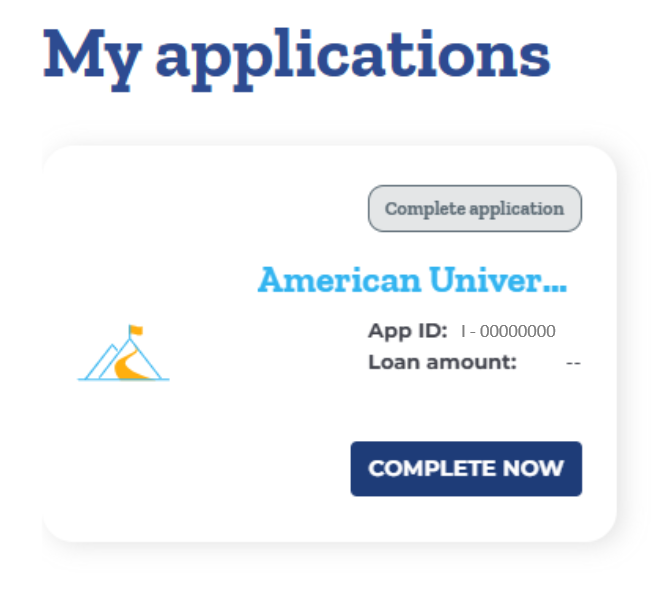
Navigate to 'My Applications':
- On the homepage of your portal, find the section labeled 'My Applications'.
- Click on “Complete Now” to update the relevant application.
-
Update Enrollment Status:
- Once in the application view, scroll down to find the 'My Next Action' section.
- Look for the prompt to confirm your "Enrollment Status".
- Complete the required fields and submit the information to move your application forward.

